 JarCasting



jsPanel 3.11.3 released 2019-11-26
A jQuery plugin to create highly configurable multifunctional floating panels.
jsPanels can be used as a floating, draggable and resizable panel, modal, tooltip or hint/notifier.
Don't miss jsPanel version 4
jsPanel homepage: http://jspanel.de
API and examples: http://jspanel.de/api
npm
npm install jspanel3
bower
bower install jspanel3
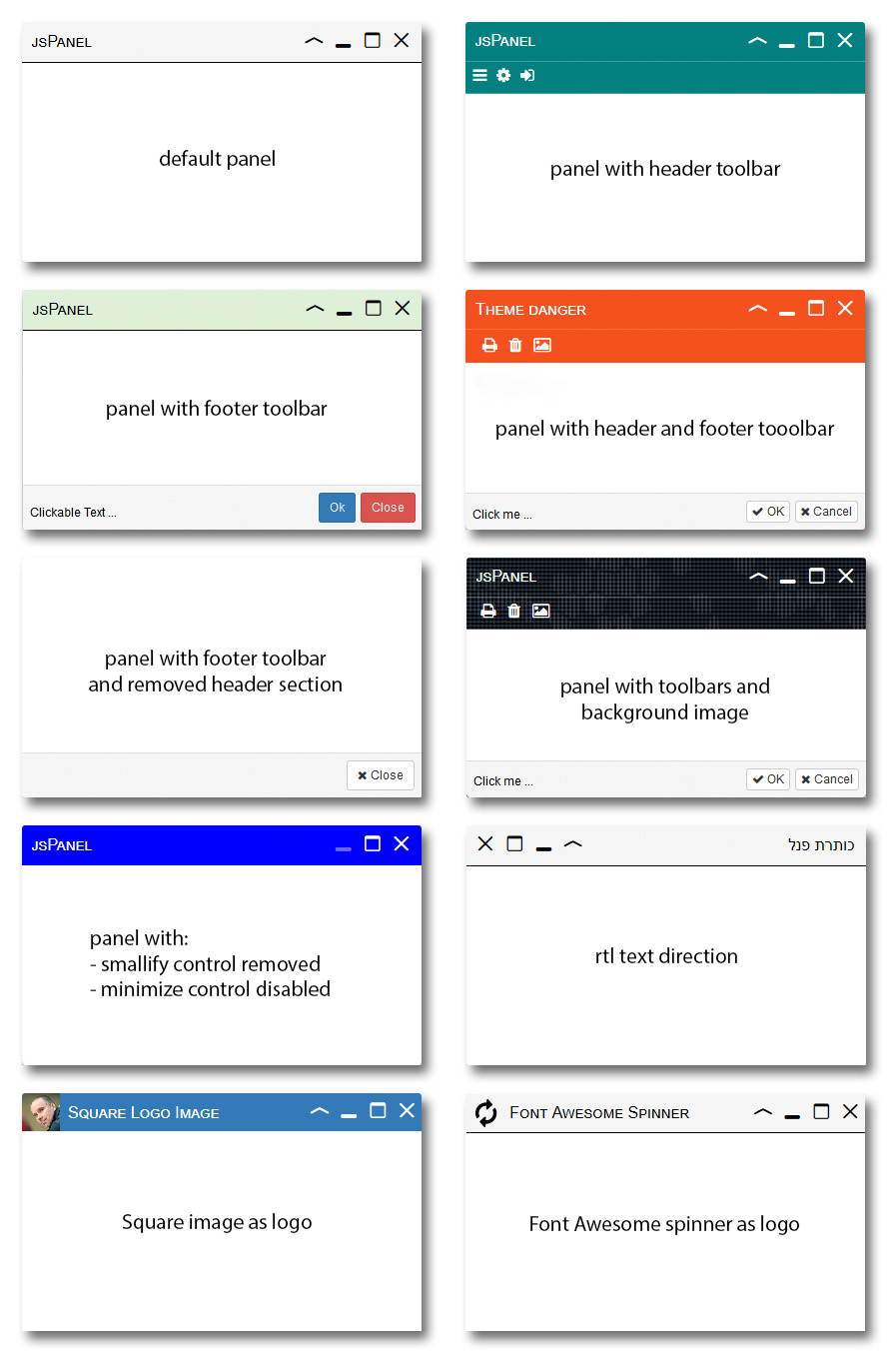
A few standard example jsPanels
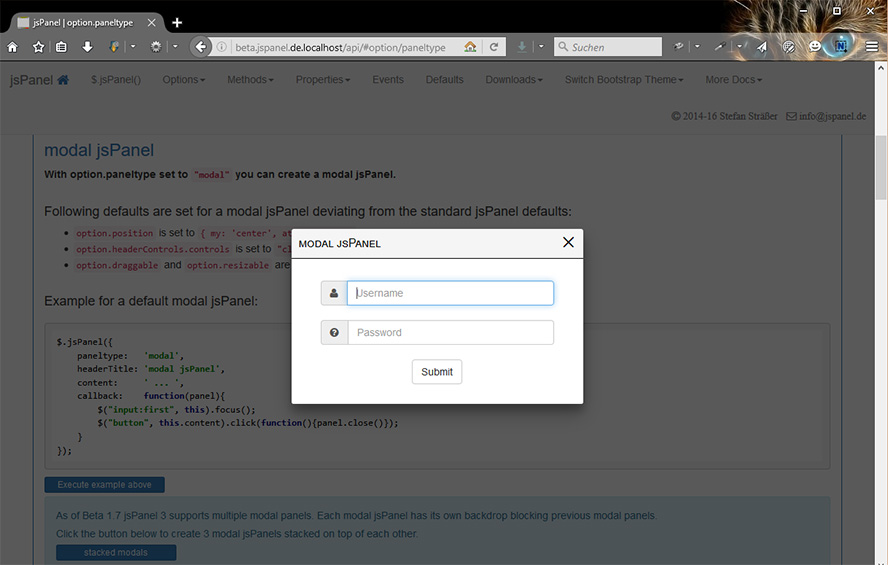
modal jsPanel
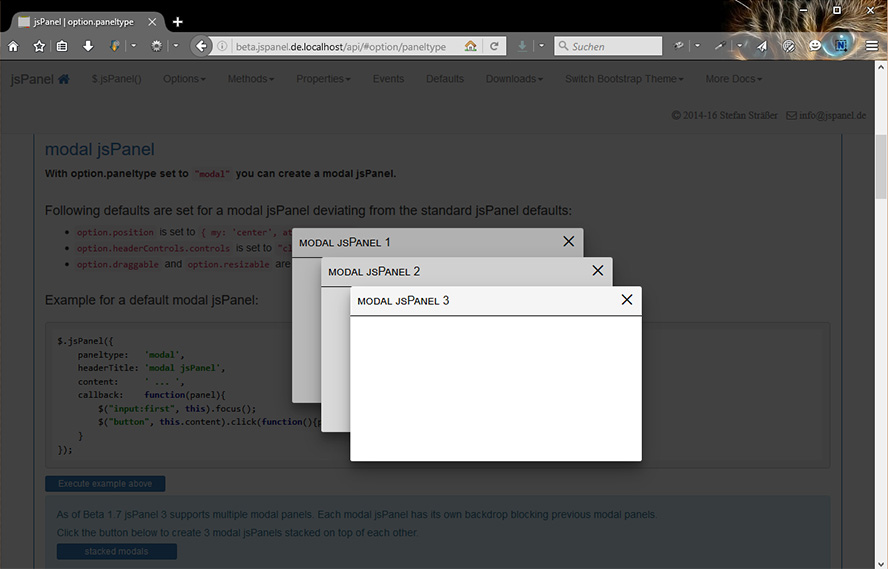
stacked modal jsPanels - short demo video on youtube
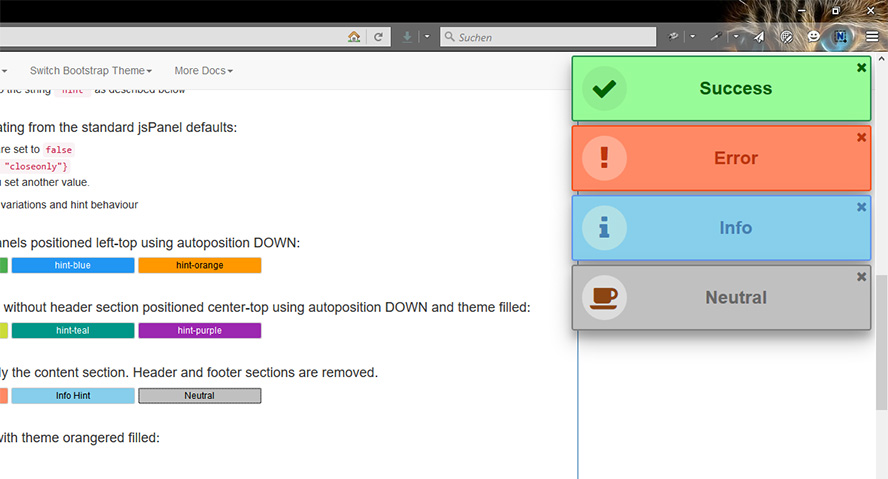
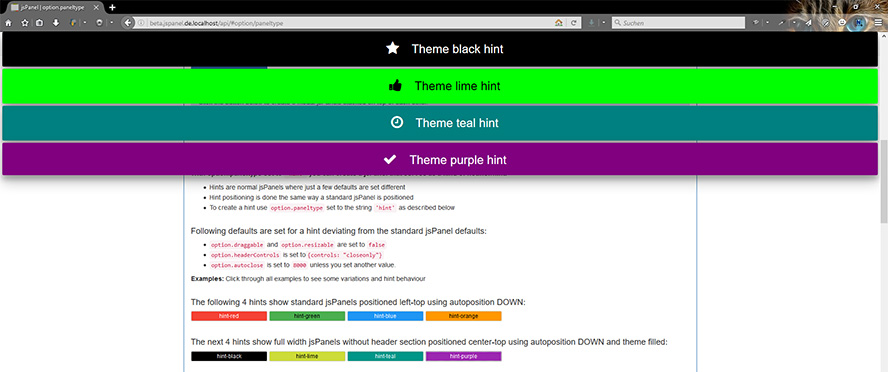
jsPanels as hints/notifiers - short demo video on youtube
jsPanels as tooltip - short demo video on youtube

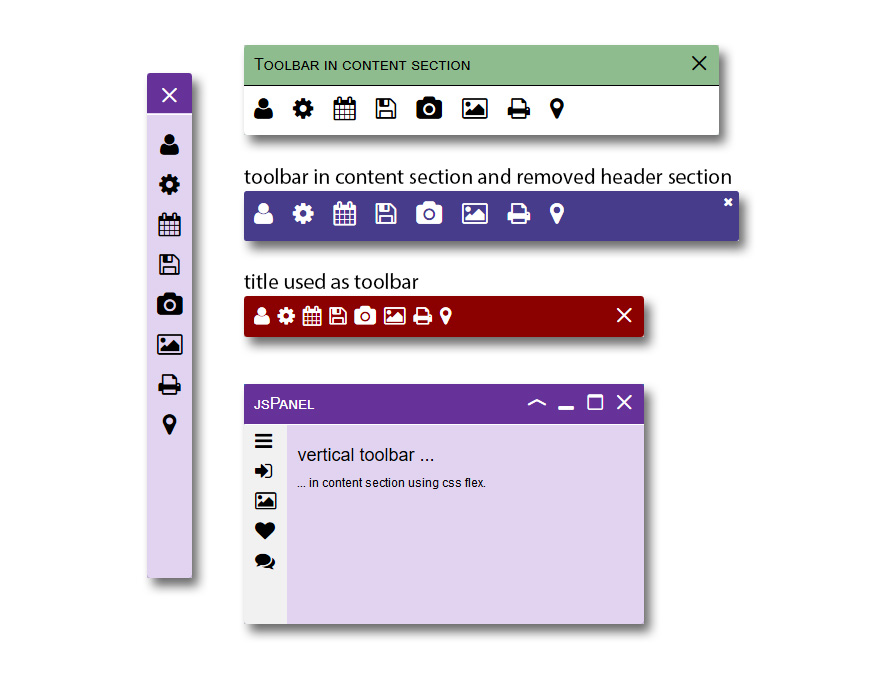
some more toolbar examples
Getting started
If you used jsPanel 2.x already please check the API docs for the migration infos on each jsPanel 3.x option/method/property since a few things changed significantly in jsPanel 3.x.
Dependencies
- jQuery 2.x or 3.x
- HTML5/CSS3 compatible browser like FF, Chrome, EDGE, Brave and IE11. IE10 and other older browsers are not supported by jsPanel 3.
- As of version 3.5.0 jQuery ui and jQuery ui touch punch are only required if you still want to use the jQuery ui draggable/resizable interactions
Get the files
Download and extract the jsPanel package to a folder of your choice. You find at least the two folders source and vendor.
The source folder contains all the necessary jsPanel specific files (.js, .css and font). Copy this folder to your project and rename it as you like if necessary.
The vendor folder contains the dependencies jsPanel relies on. Whether you use these files, load them from a CDN or download the desired versions yourself doesn't matter.
Include the files
The following example shows a complete html file with the minimium setup:
<!DOCTYPE html>
<html>
    <head>
        <meta charset="utf-8">
        <meta http-equiv="X-UA-Compatible" content="IE=edge">
        <meta name="viewport" content="width=device-width, initial-scale=1.0">
        <title>jsPanel - a jQuery Plugin</title>
        <!--  optional: loading jQuery UI css (which theme doesn't matter regarding jsPanel) -->
        <link rel="stylesheet" href="vendor/jquery-ui-1.12.1.complete/jquery-ui.min.css">
        <!-- loading jsPanel css -->
        <link rel="stylesheet" href="source/jquery.jspanel.css">
    </head>
    <body>

        <!-- Your HTML goes here -->

        <!-- loading jQuery -->
        <script src="vendor/jquery-3.1.1.min.js"></script>
        <!-- optional: loading jQuery UI and jQuery UI Touch Punch -->
        <script src="vendor/jquery-ui-1.12.1.complete/jquery-ui.min.js"></script>
        <script src="vendor/jquery.ui.touch-punch.min.js"></script>
        <!-- loading jsPanel javascript -->
        <script src="source/jquery.jspanel-compiled.js"></script>
    </body>
</html>
And then ...
After including all the necessary files in your project you can create a jsPanel like ...
$.jsPanel( options );

// or
var myPanel = $.jsPanel( options );
... where options is an object passing the configuration options to the function.
Example:
$.jsPanel({
	position: {
    	my: "left-top",
        at: "left-top"
    },
    contentSize: {
    	width:  600,
        height: 350
    },
    contentAjax: {
    	url:  // some url,
        done: function (data, textStatus, jqXHR, panel) {
        	// the keyword "this" inside the function refers to the panel
        },
        fail: function (jqXHR, textStatus, errorThrown, panel) {
        	//the keyword "this" inside the function refers to the panel
        }
    },
    headerTitle: "my example jsPanel",
    theme:       "rebeccapurple",
    callback: function (panel) {
    	// do whatever you like
        // the keyword "this" inside the callback function refers to the panel
    }
});