JarCasting
Backups as a Service


Once upon a time in a world full of custom scripts rsync'ing, compressing and encrypting data dumps here and there we decided to unify all the backup tools in a single, easy to use service.
The backup service provides a REST API for securely storing data store dumps into different backend storage such as Azure or the local filesystem.
Additionally, the backups service provides easy auditing, monitoring, retention and verification.
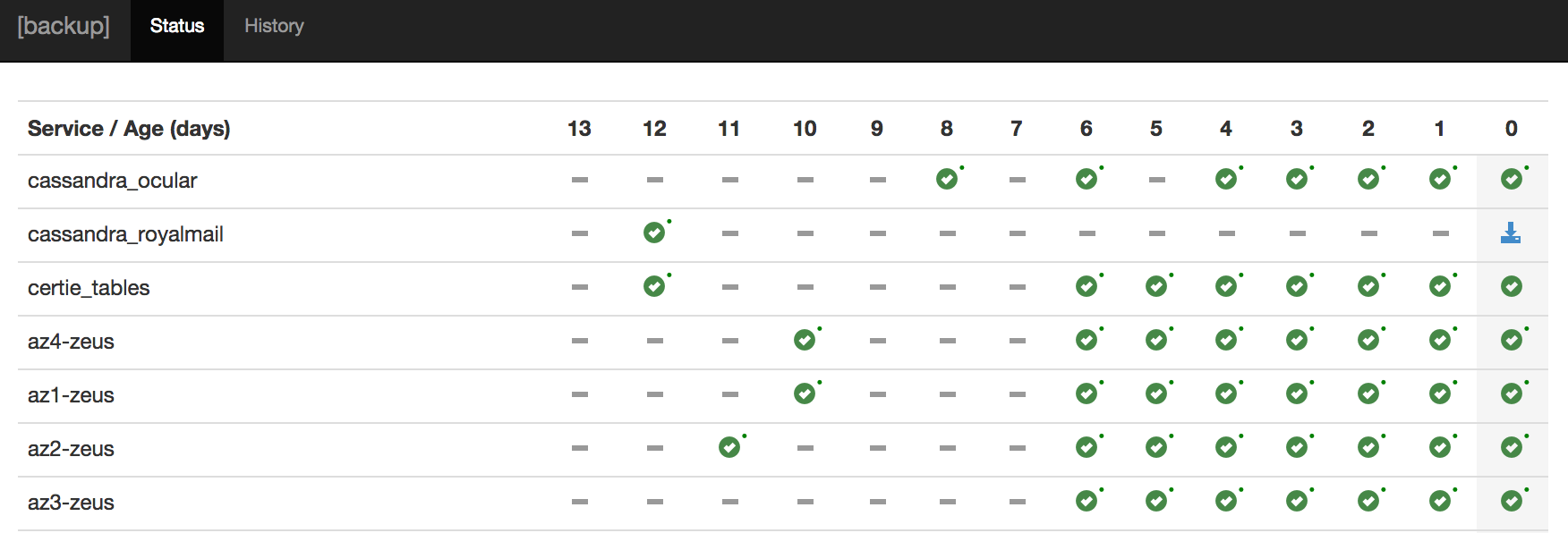
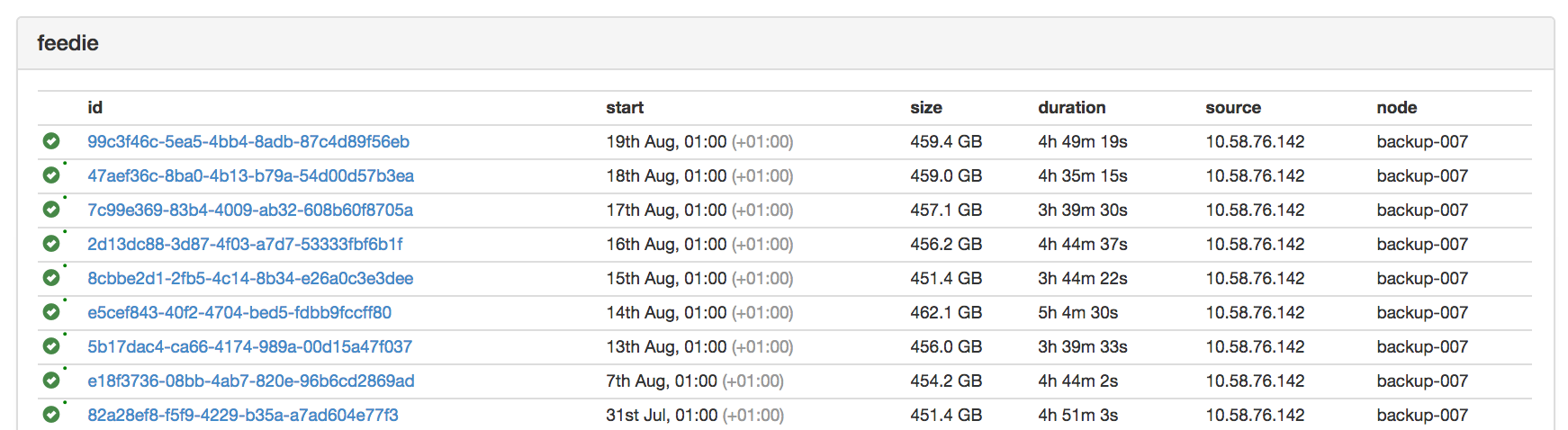
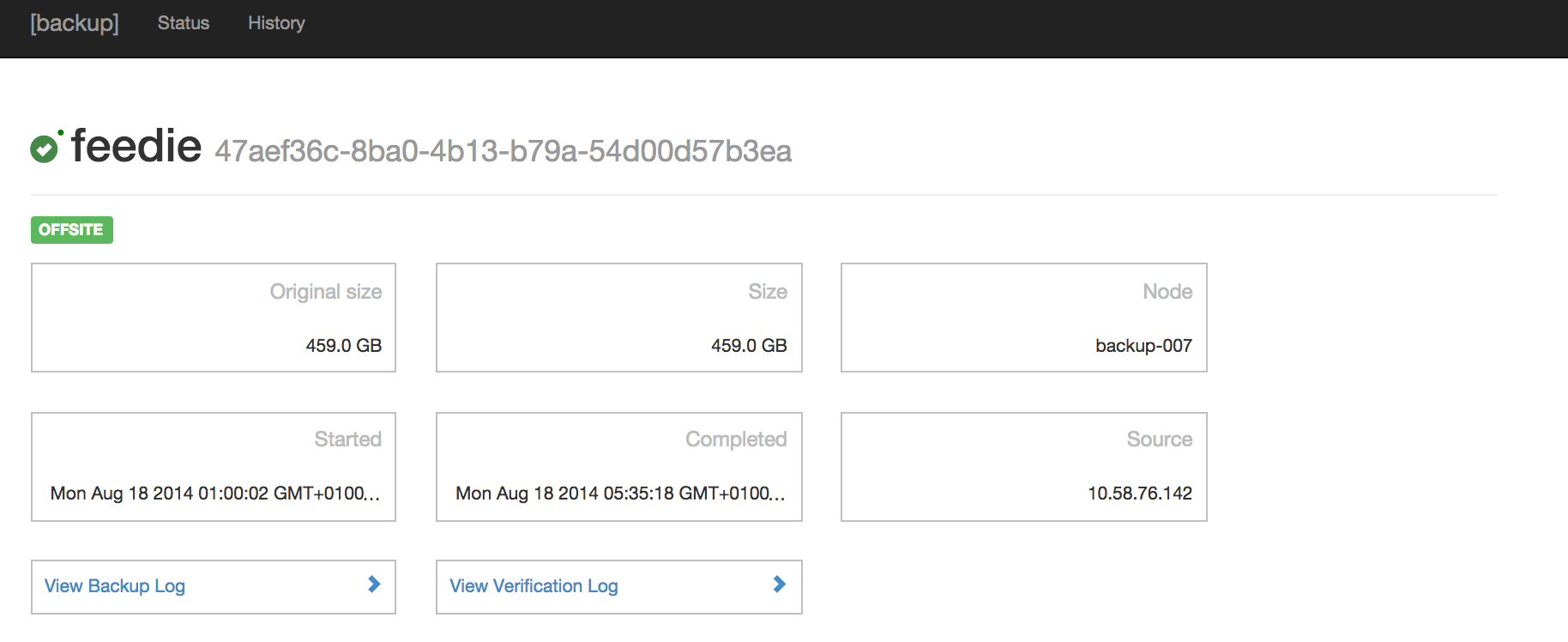
For documentation, check out the wiki.
Runtime Dependencies
- Azure Table Storage for metadata storage.
- Azure Blob Storage for offsite backup storage.
- An LDAP Server for user authentication.
Getting Started
- Copy and fill in the sample configuration file, found at
backups-service/conf/backups.yml.template. Documentation on the Backups specific configuration options can be found in the wiki, and the inherited Dropwizard configuration options at dropwizard.io. - Build the project:
mvn clean package - Run the service: `java -jar backups-service/target/backups-service-.jar server ``
- The UI and API will be available over HTTPS on port 8443 (or as defined in the configuration file).
Next Steps
- Set up client scripts to perform data export. Usually these will be configured to run using a crontab. An example can be found in the
clients/exampledirectory. - Set up alerting for backup failures. Alerting is handled using Dropwizard health checks, which are exposed on the configured admin connector (by default, via HTTP on port 8081).
Contributors
License
Released under the Apache 2.0 license.
Microsoft LCA request 9424